
You can watch adult IPTV for smart TV without any extra box. On Samsung (Tizen) and LG (webOS), install IPTV Smarters Pro from the TV’s own app store, sign in with your TrustView TV login, set a parental PIN, and add the TV’s app lock. Android and Google TVs use the Google Play version. The 18+ section is included with every plan from £59 a year.
A modern smart TV can play IPTV directly, which means one less remote and one less device on the shelf. This guide shows how to set up adult IPTV for smart TV on Samsung, LG and Android/Google TV models: which app to use, where to find it, how to sign in, how to keep the 18+ section private, and what to do if your TV is too old for the app.
Adult IPTV for smart TV: which models work?
| TV brand | System | App store | Notes |
|---|---|---|---|
| Samsung | Tizen | Samsung Apps (Smart Hub) | No APK sideloading; use store apps only |
| LG | webOS | LG Content Store | No APK sideloading; use store apps only |
| Sony, TCL, Philips, Hisense (Android/Google TV) | Android TV / Google TV | Google Play | Same apps as an Android box |
| Older TVs (roughly pre-2018) | Varies | Limited | Use a Firestick instead |
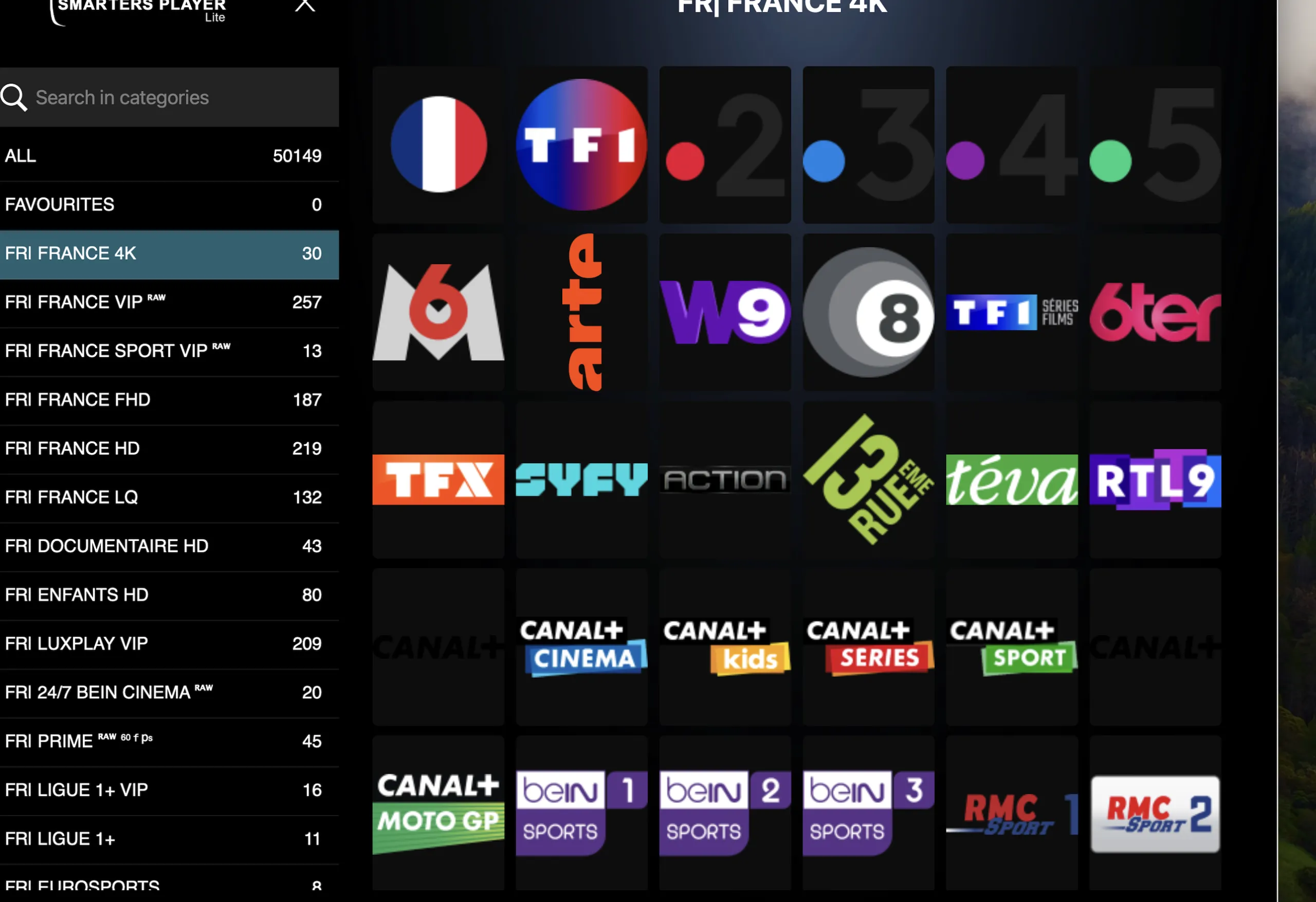
Samsung Tizen: setup in six steps
- Press Home on the remote, open Apps and search for “IPTV Smarters”.
- Install IPTV Smarters Pro and open it.
- Choose Login with Xtream Codes API and enter the username, password and server address we sent on WhatsApp, exactly as written.
- Wait for the channels and guide to load, then open Live TV. The 18+ categories are at the bottom of the list.
- In the app, go to Settings → Parental Control, set a PIN and lock every adult category.
- Back on the Samsung home screen, highlight the app, open its options and choose Lock/Unlock so the TV asks for its PIN before the app opens.
LG webOS: setup in four steps
- Open the LG Content Store (called “Apps” on newer models) and search for “IPTV Smarters”.
- Install IPTV Smarters Pro, open it and sign in with Xtream Codes API.
- Set the in-app parental PIN and lock the adult categories under Live, Movies and Series.
- Go to Settings → General → Safety, switch it on, and use Application Locks to lock IPTV Smarters Pro.
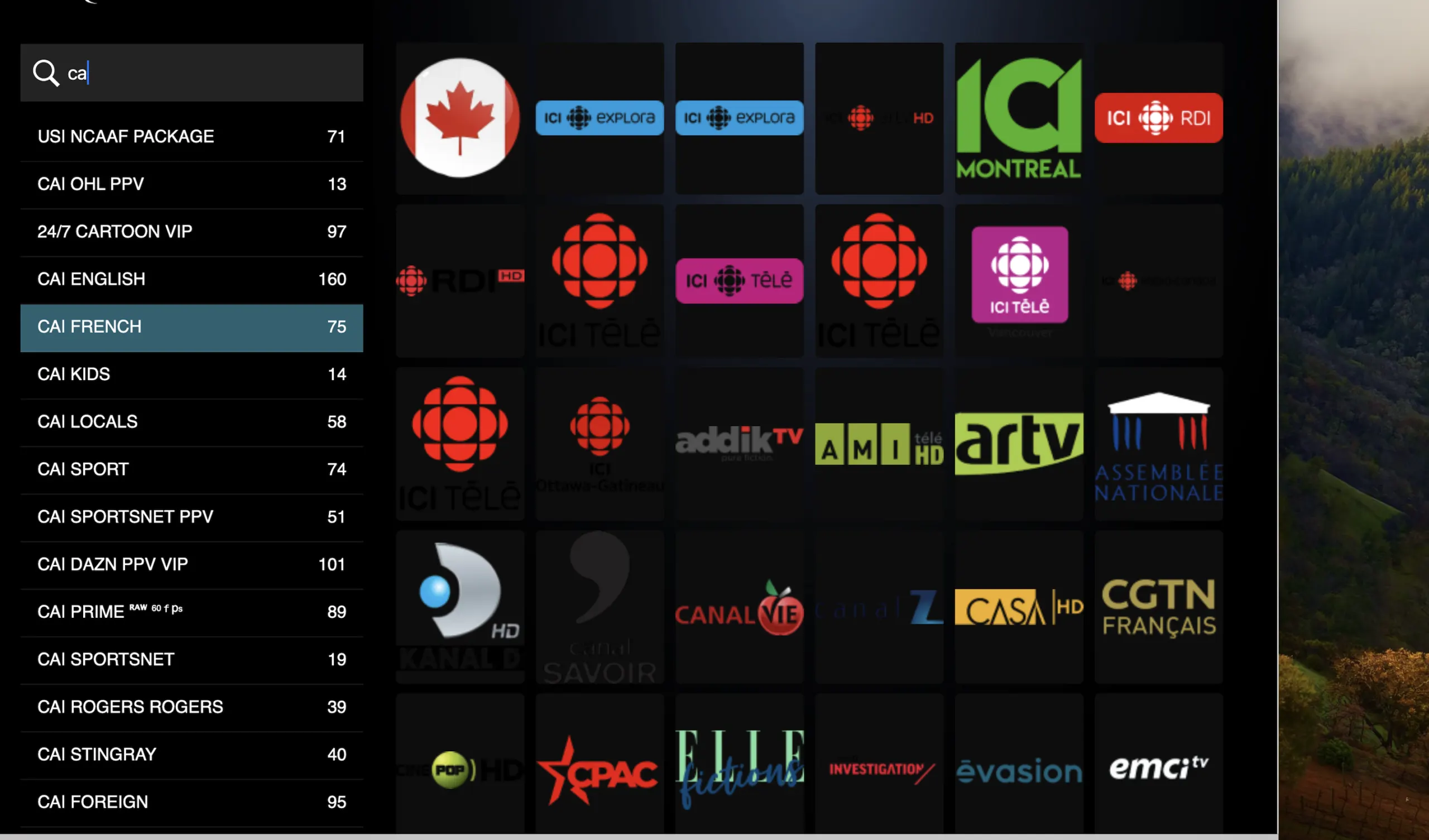
Android TV and Google TV
On Sony, TCL, Philips and Hisense models running Android or Google TV, install IPTV Smarters Pro or TiviMate from Google Play and sign in the same way. Google TV also has its own kids profile: add one in Settings → Accounts & profiles and leave the IPTV app out of it, so children never see it.
If the app isn’t in your TV’s store
App availability changes by model year and region. If you can’t find IPTV Smarters Pro, try another established player from the same store; some charge a small one-off activation fee. If your TV has no suitable app, a Firestick is the easiest fix. See our guide to adult IPTV on Firestick.
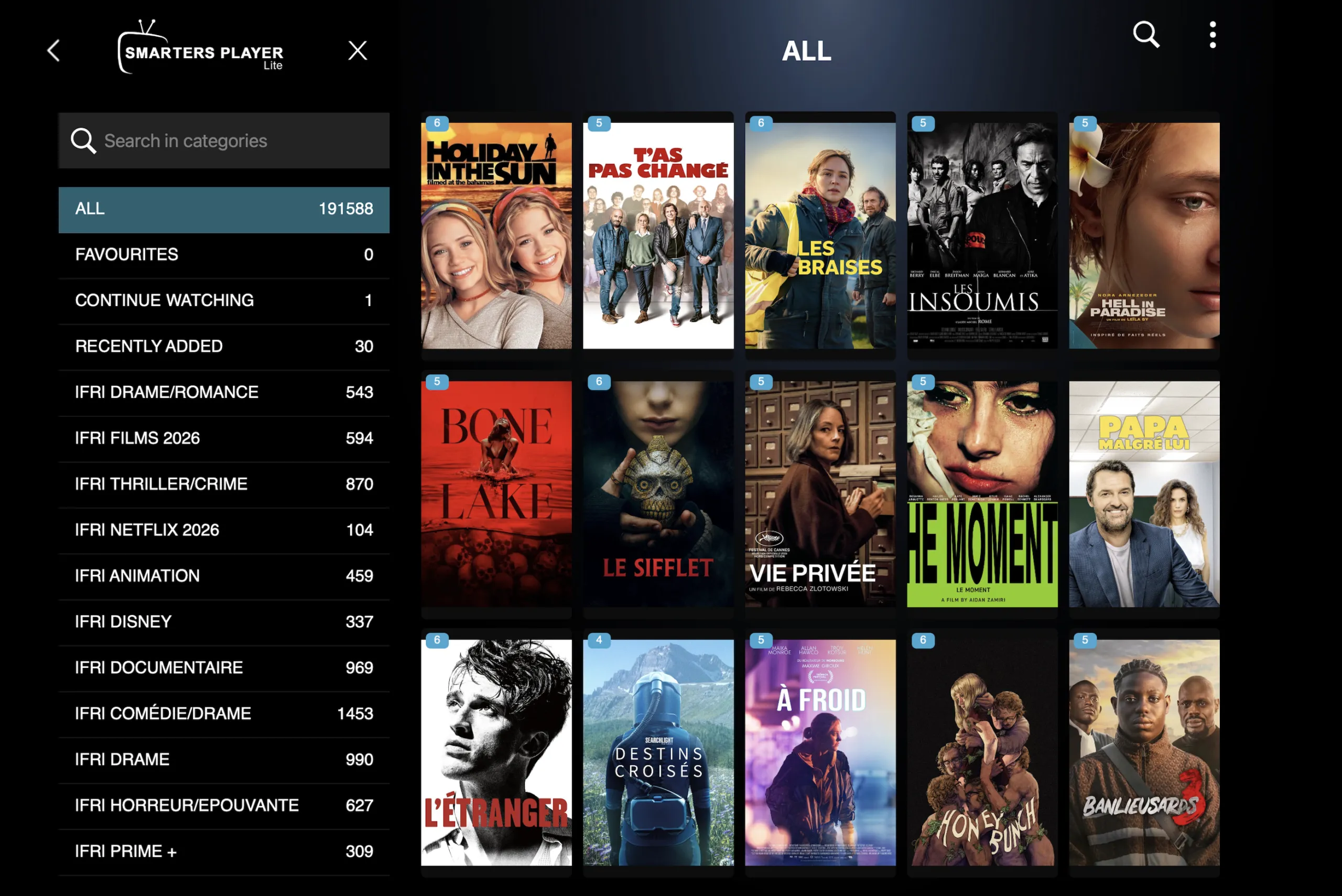
Picture settings for 4K on a smart TV
- Use an Ethernet cable if the router is near the TV; smart TV Wi-Fi chips are often weaker than a Firestick 4K Max.
- Aim for at least 25 Mbps for 4K and 10 Mbps for Full HD.
- Turn off motion smoothing (“Auto Motion Plus” on Samsung, “TruMotion” on LG) if fast scenes look unnatural.
- If a channel buffers, choose its Full HD version.
Plans with the 18+ section
- CH101Starter1 year1 screen
- 55,000+ international channels
- 100,000+ films & series
- Full 4K UHD library
- 14-day catch-up
- WhatsApp support 7 days
- FREE VPN link included
- Works on all apps
- Parental control (PIN)
- TV guide (EPG) included
- 3,000 adult channels and movies
£59per yearMessage us on WhatsApp£228· Save 74% - CH102HouseholdMost chosen1 year2 screens
- 55,000+ international channels
- 100,000+ films & series
- Full 4K UHD library
- Priority WhatsApp reply
- Multi-device profile sync
- FREE VPN link included
- Works on all apps
- Parental control (PIN)
- TV guide (EPG) included
- 6,000 adult channels and movies
£89per yearMessage us on WhatsApp£288· Save 69% - CH103Family1 year3 screens
- 55,000+ international channels
- 100,000+ films & series
- Viewer profiles
- Setup help on WhatsApp
- Priority tech support
- FREE VPN link included
- Works on all apps
- Parental control (PIN)
- TV guide (EPG) included
- 6,000 adult channels and movies
£119per yearMessage us on WhatsApp£348· Save 66% - CH104LifetimeMost savingsLifetime+Unlimited
- 55,000+ international channels
- Priority WhatsApp support
- Free Firestick 4K posted
- Lifetime support, no renewals
- Access to the private Premium Telegram group
- FREE VPN link included
- Works on all apps
- Parental control (PIN)
- TV guide (EPG) included
- 9,000 adult channels and movies
£299onceMessage us on WhatsApp£1,499· Save 80%
Prices are shown in pounds sterling (£). You can pay from any country by card, PayPal, Revolut or crypto, and your bank converts the amount automatically.
The adult section is included at no extra cost and is switched on only after you confirm you are 18 or over. Every plan has our 60-day money-back policy.
Common questions
Can I install an APK on my Samsung or LG TV?
No. Tizen and webOS only install apps from their own stores, so use the store version of your player app.
Is the TV’s PIN the same as the app’s PIN?
No. The TV PIN locks the app; the app PIN locks the adult categories. Using both gives the best protection. Our locking guide explains each one.
My smart TV shows the categories but the adult channels won’t play. Why?
Usually a PIN, an out-of-date list or a weak connection. Work through our adult channels not working checklist.
Can I use one login on the TV and my phone?
Yes, on the Household plan or above, which allows two or more screens at once. The setup guide covers phones and tablets.
Ready when you are
Message us on WhatsApp, pick a plan and ask for the 18+ section. Your login arrives on WhatsApp after payment. 60-day money-back on every plan.