
When IPTV adult channels are not working, the cause is almost always one of five things: the 18+ section isn’t switched on for your account, the app is hiding the categories, the PIN is wrong, the channel list is out of date, or the stream is too heavy for your connection. Work through the checklist below in order; most fixes take under two minutes.
You have a subscription, the normal channels play fine, but the adult ones won’t show, won’t open or keep freezing. This guide is the checklist we use when TrustView TV customers message us about IPTV adult channels not working. It starts with the quickest checks and ends with the ones that need us. Most of it applies to any provider; the last section explains what we can fix on our side.
First, which problem do you have?
| What you see | Most likely cause | Go to |
|---|---|---|
| No 18+ categories at all | Section not switched on, or hidden in the app | Steps 1–2 |
| Categories visible but won’t open | PIN not set or entered wrongly | Step 3 |
| Some channels missing or “no information” | Out-of-date channel list | Step 4 |
| Black screen on one channel | That stream is down or moved | Step 5 |
| Freezing or buffering | Connection or 4K version too heavy | Step 6 |
Step-by-step fixes for IPTV adult channels not working
1. Check the 18+ section is switched on
Many providers, including us, only enable adult categories after you confirm your age. If you didn’t ask for it when you subscribed, the categories won’t be in your list. Send us a WhatsApp message and we will switch it on, usually within minutes.
2. Unhide the categories in the app
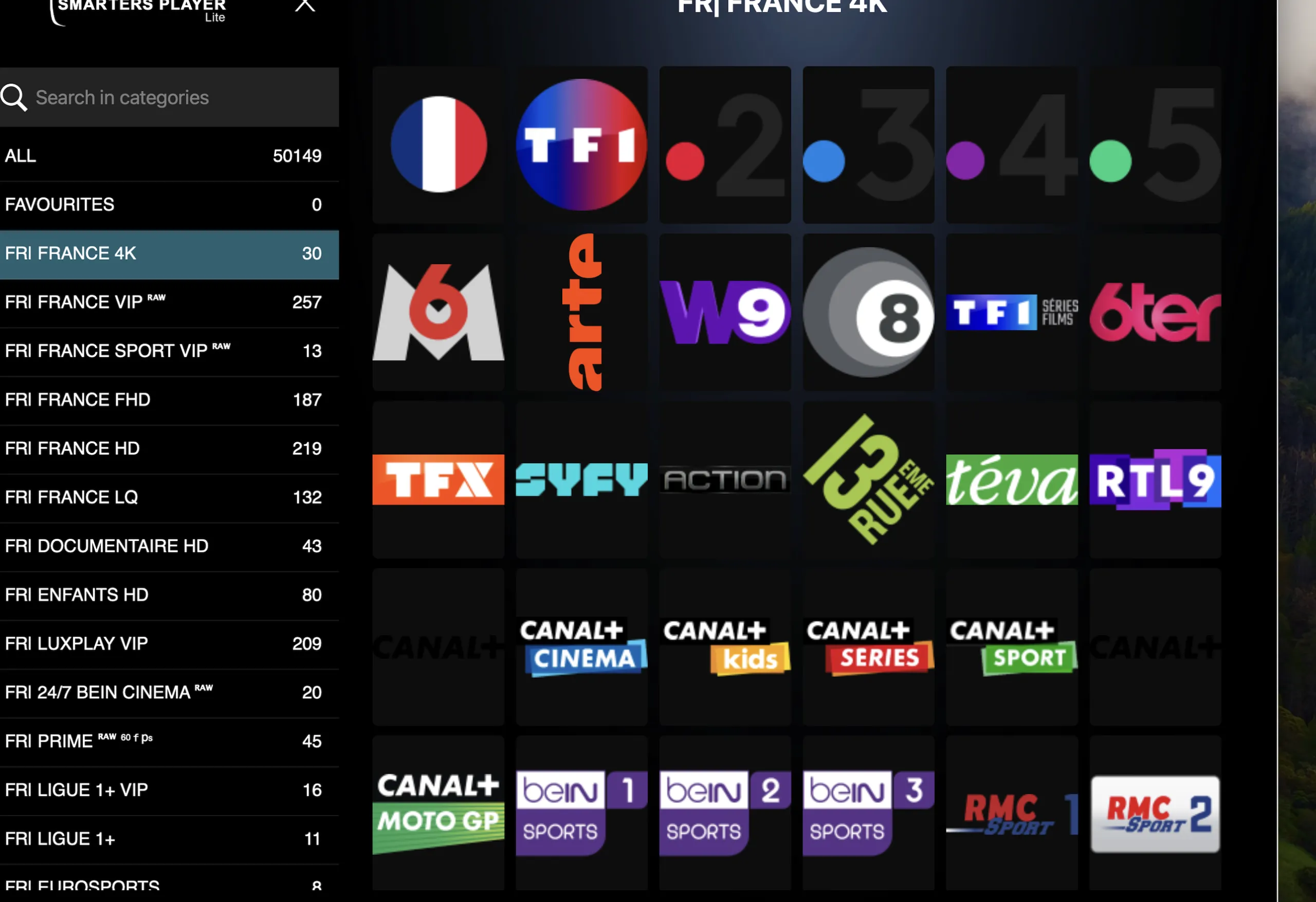
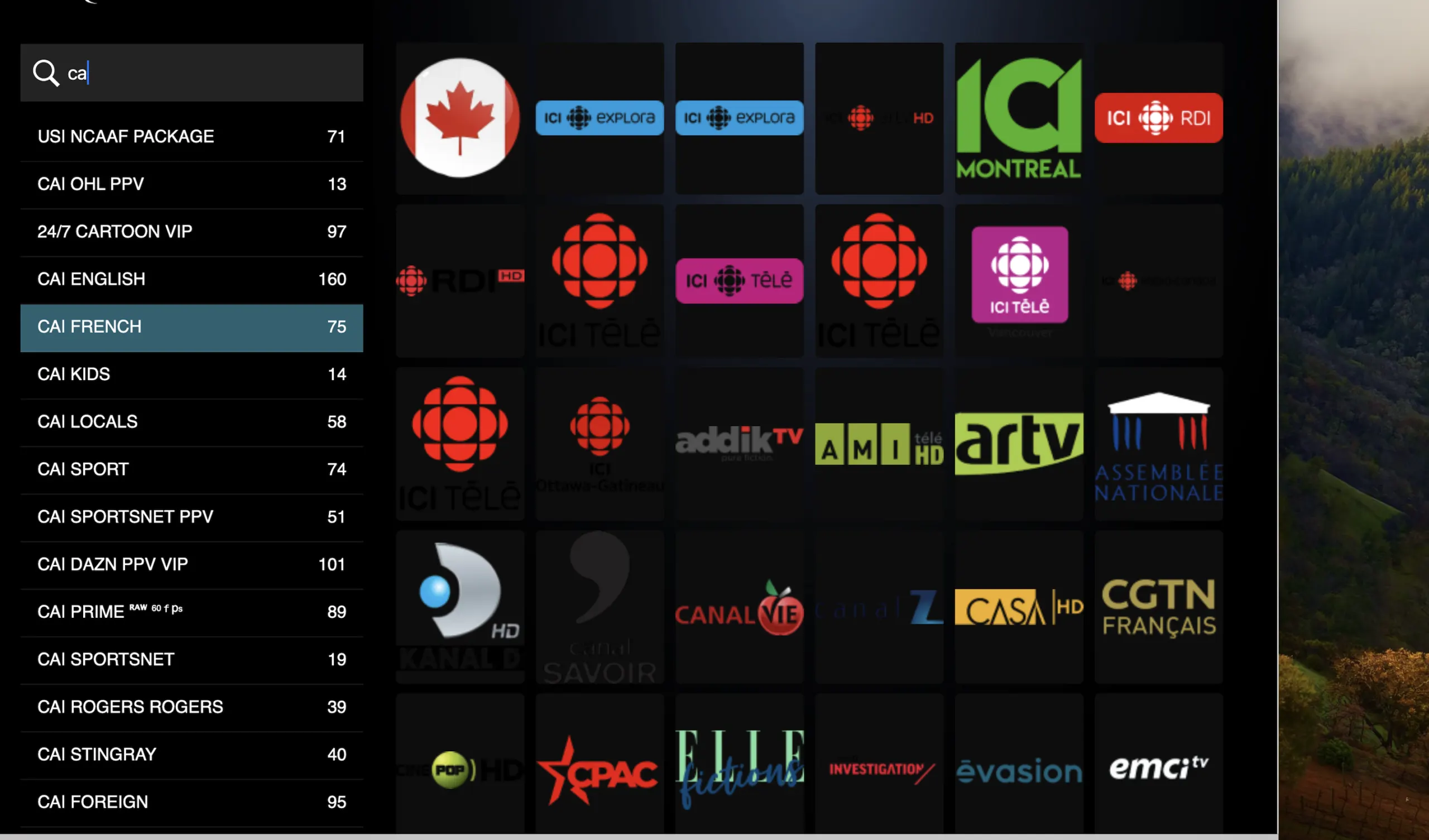
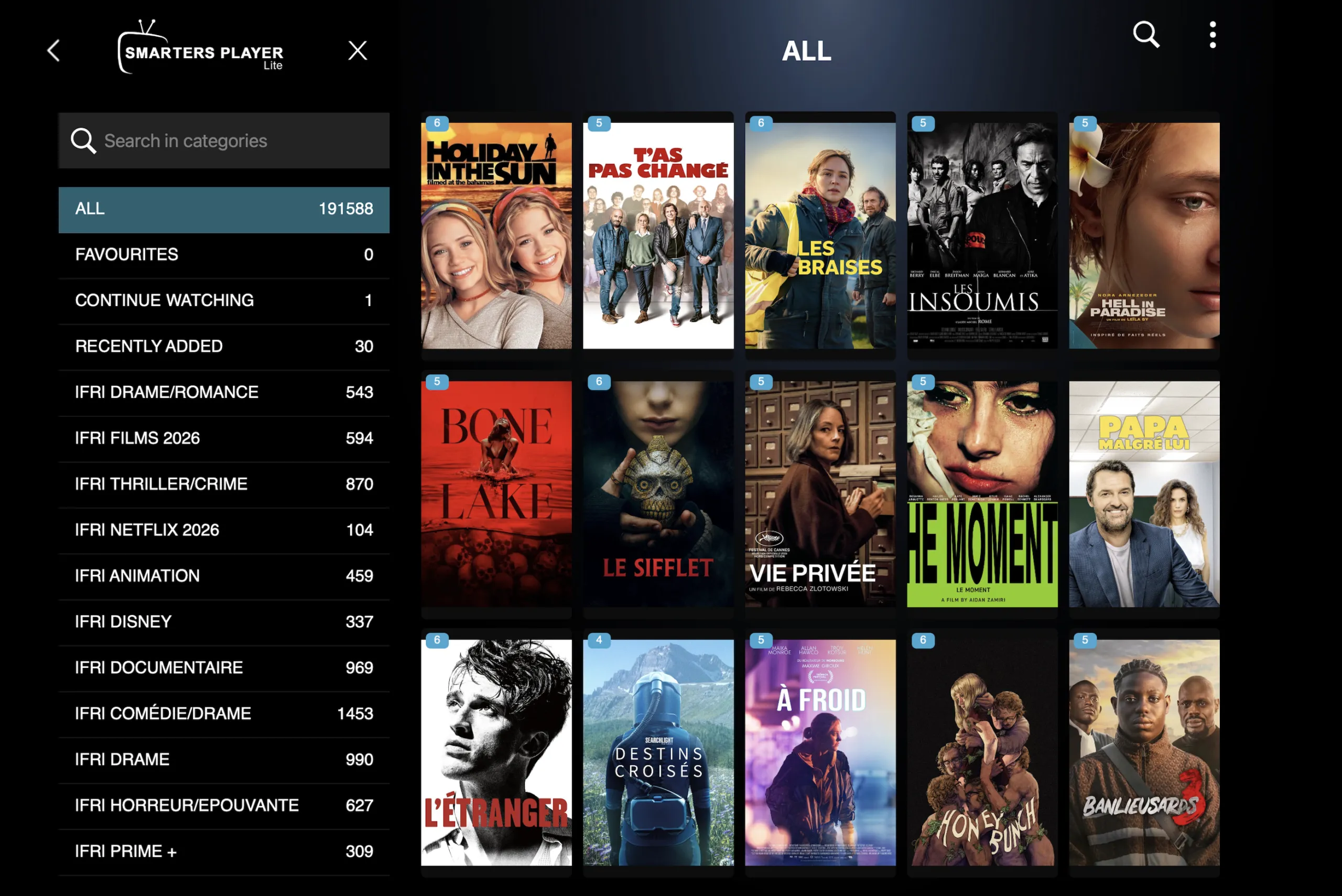
IPTV Smarters Pro and TiviMate both let you hide categories, and some setups hide adult ones by default. In IPTV Smarters Pro, open Settings → Parental Control and check which categories are locked or hidden. In TiviMate, open Settings → Playlists, select your playlist and check the Manage groups list for hidden groups.
3. Set or reset your PIN
If the categories show but won’t open, you either haven’t set a PIN yet or you are entering an old one. In IPTV Smarters Pro the parental PIN lives in Settings → Parental Control; set a new one there. If you have forgotten it, the quickest fix is to remove and re-add your login, which clears the app’s settings, then set a new PIN.
4. Refresh the channel list
Channel lists change. If adult channels show “no information” or have disappeared, refresh: in IPTV Smarters Pro, open the user list, select your login and choose Reload (or log out and back in). In TiviMate, go to Settings → Playlists → Update playlist.
5. Try the backup version of the channel
Many adult channels have a second version listed under the same name with “HD”, “FHD” or “Backup”. If one shows a black screen, try the other. If both are down, message us with the channel name and the time so we can check it.
6. Fix freezing and buffering
- Run a speed test on the TV itself. 4K needs about 25 Mbps of steady speed; Full HD needs around 10 Mbps.
- If the speed test is close to the limit, play the FHD copy of the channel instead.
- Use an Ethernet cable or move the router closer; Firesticks on 2.4 GHz Wi-Fi struggle with 4K.
- Restart the device and the router once. Clearing the app cache (Firestick: Settings → Applications → Manage Installed Applications → IPTV Smarters → Clear cache) also helps.
When it is the provider, not you
If every adult channel fails at the same time on two devices, the problem is upstream. Good providers fix this quickly and tell you when it is back. Send us your device, app and the exact channel names on WhatsApp; we can check your account, refresh your login or move you to a lighter-loaded server.
If you are on another service and it keeps happening, it may be time to switch. TrustView TV includes the 18+ section on every plan, with a 60-day money-back policy:
- CH101Starter1 year1 screen
- 55,000+ international channels
- 100,000+ films & series
- Full 4K UHD library
- 14-day catch-up
- WhatsApp support 7 days
- FREE VPN link included
- Works on all apps
- Parental control (PIN)
- TV guide (EPG) included
- 3,000 adult channels and movies
£59per yearMessage us on WhatsApp£228· Save 74% - CH102HouseholdMost chosen1 year2 screens
- 55,000+ international channels
- 100,000+ films & series
- Full 4K UHD library
- Priority WhatsApp reply
- Multi-device profile sync
- FREE VPN link included
- Works on all apps
- Parental control (PIN)
- TV guide (EPG) included
- 6,000 adult channels and movies
£89per yearMessage us on WhatsApp£288· Save 69% - CH103Family1 year3 screens
- 55,000+ international channels
- 100,000+ films & series
- Viewer profiles
- Setup help on WhatsApp
- Priority tech support
- FREE VPN link included
- Works on all apps
- Parental control (PIN)
- TV guide (EPG) included
- 6,000 adult channels and movies
£119per yearMessage us on WhatsApp£348· Save 66% - CH104LifetimeMost savingsLifetime+Unlimited
- 55,000+ international channels
- Priority WhatsApp support
- Free Firestick 4K posted
- Lifetime support, no renewals
- Access to the private Premium Telegram group
- FREE VPN link included
- Works on all apps
- Parental control (PIN)
- TV guide (EPG) included
- 9,000 adult channels and movies
£299onceMessage us on WhatsApp£1,499· Save 80%
Prices are shown in pounds sterling (£). You can pay from any country by card, PayPal, Revolut or crypto, and your bank converts the amount automatically.
Common questions
Why do my IPTV adult channels disappear after an update?
App updates sometimes reset category settings. Reload your channel list, then check the hidden and locked categories in the parental control menu.
Why do adult channels work on my phone but not my Firestick?
Parental settings are stored per device. Set the PIN and unhide the categories on the Firestick as well.
Can a VPN fix adult channels not loading?
Rarely. A VPN can help if your broadband provider is slowing streams, but it usually adds delay. Try the steps above first.
Where can I see which adult channels are included?
Our IPTV porn channels list shows how the section is organised, and the setup guide covers app installation on every device.
Ready when you are
Message us on WhatsApp, pick a plan and ask for the 18+ section. Your login arrives on WhatsApp after payment. 60-day money-back on every plan.