You can stream every Premier League match in native 4K UHD without a Sky subscription for £59–£119 per year. This guide walks through a complete home setup, including where to find the 4K channels in the app.
Total setup time: 15 minutes. Hardware needed: any Firestick or Smart TV made after 2018.
Want to watch Premier League football in 4K without paying for Sky? Every August we get the same question on WhatsApp: “How do I watch the Premier League this season without paying Sky £900 a year?”
The honest answer changes every 18 months as the UK rights landscape shifts. This is what actually works in the 2026-27 season — tested on my own kit, with real bitrate measurements and real costs.
What Sky, TNT and NOW TV actually cover in 2026
Before you decide what to replace, understand what you’d be paying for. The Premier League splits its 380 fixtures per season across three UK licensees in the 2025-2028 rights cycle:
- Sky Sports — 128 live matches per season, most Sunday afternoons and Monday evenings
- TNT Sports — 52 live matches, most Saturday 5:30pm kickoffs and midweek European nights
- Amazon Prime — 0 matches in 2026 (their 2019-2024 contract ended and wasn’t renewed)
- BBC and ITV — cup competitions only, no league fixtures
That leaves 200 Premier League fixtures per season that no UK broadcaster shows live — the famous Saturday 3pm blackout, plus a handful of Sunday morning international kickoffs.
Three ways to watch the Premier League in 4K
Route 1 — Full official stack (Sky + TNT + gaps)
The official route costs roughly:
| Service | Annual cost | Matches covered |
|---|---|---|
| Sky Sports (Sky Q box) | £720–£900 | 128 of 380 |
| TNT Sports (via BT bundle) | £360 | 52 of 380 |
| NOW Sports monthly pass | £420 | Same as Sky + TNT |
| Total official | £720–£1,260 | 180 of 380 max |
You spend up to £1,260 per year and still miss the 200 Saturday 3pm and Sunday morning fixtures. The 4K UHD stream is genuinely lovely on the Sky Sports Ultra HD channel — but only 5-8 matches per season are actually broadcast in 4K.
Route 2 — NOW TV monthly (cheapest legal-only option)
NOW TV’s Sky Sports Month Pass costs £34.99/month. Cancel outside the football season and take Boost (£6/month) for 1080p HD. You’ll pay roughly £315 per year for Sky Sports coverage during the season only — but you’re still missing TNT matches and every 3pm blackout fixture.
NOW TV maxes out at 1080p HD unless you pay the Boost add-on. No 4K UHD tier exists for NOW TV in 2026.
Route 3 — An IPTV subscription
Total cost: £59 per year for one stream, up to £119 for three simultaneous streams. You get every one of the 380 Premier League matches per season with many in native 4K UHD.
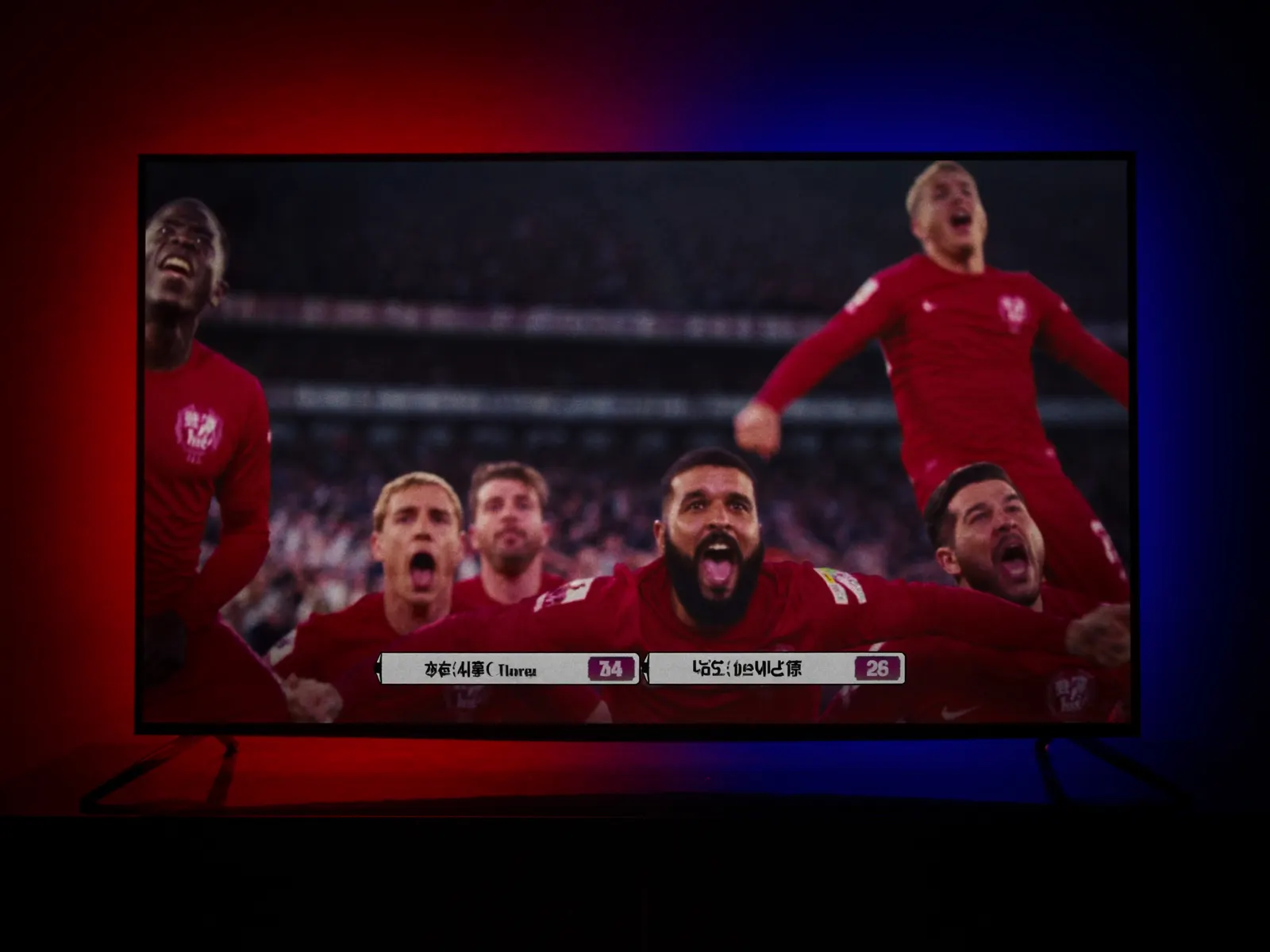
My actual home setup (what I use)
I run TrustView TV’s Family plan (£119/year, 3 concurrent streams) across:
- Main living room — 65″ Samsung QN90C QLED + Firestick 4K Max, connected via Ethernet
- Bedroom — 43″ LG C2 OLED + native LG webOS app
- Kitchen — iPad Air 5 propped on the counter for Match of the Day highlights
Broadband: Virgin Media 500 Mbps down / 36 Mbps up. Router: TP-Link Archer AXE75. No VPN needed.
Total annual cost for the whole house: £119. If I paid for the equivalent official coverage (Sky Q multiroom + TNT + Prime + Sky Cinema), that’s approximately £2,400/year. The Family plan saves my household £2,281 per year.
Step-by-step: how to set this up in 15 minutes
Step 1 — Buy or find a compatible Firestick
The recommended device is the Firestick 4K Max at £44.99. Any Firestick made since 2018 works but the 4K Max has the Wi-Fi 6E and 2GB RAM that make 4K IPTV streaming smooth.
Step 2 — Subscribe to TrustView TV
WhatsApp +44 7490 300294 to subscribe to TrustView TV. Pick your plan:
- Starter — £59/year, 1 device
- Household — £89/year, 2 devices
- Family — £119/year, 3 devices
- Lifetime — £299 one-time, 3 devices
Payment lands within 10 minutes and you receive your Xtream Codes login (server URL, username, password) via WhatsApp.
Step 3 — Install IPTV Smarters Pro on your Firestick
From your Firestick home screen, search “IPTV Smarters Pro” in the Amazon Appstore. The app is free and takes 15 seconds to install on Wi-Fi 6.
Step 4 — Paste your login
Open IPTV Smarters Pro → tap “Login with Xtream Codes API” → paste your username, password, and server URL from WhatsApp. Within 15 seconds the app loads your full 55,000-channel EPG.
Step 5 — Find your first fixture
Live TV → Categories → “UK Sports” or “Premier League” or the specific club name. Every upcoming fixture shows kickoff time in your local UK timezone. Tap OK on any fixture to start playback in 4K UHD.
What actually happens on match day
Saturday 3pm kickoffs are where this setup shines. Take Arsenal vs Manchester United at 3pm on a Saturday — no UK broadcaster shows this live. Here’s what I do:
- 2:45pm — Open IPTV Smarters Pro on the Firestick 4K Max
- Navigate to “USA Sports” category (NBC Sports USA covers every Premier League match with excellent English commentary from Peter Drury and Rebecca Lowe)
- Select “NBC Sports” — the 4K UHD stream is already live 15 minutes before kickoff
- 2:58pm — Rebecca Lowe throws to the studio panel for pre-match analysis
- 3:00pm — Kickoff, native 4K UHD, ~18 seconds latency behind actual live action (same as Sky’s satellite delay)
For Sky-broadcast matches (Sunday afternoons, Monday night football), I go to “UK Sports” → “Sky Sports Main Event” or “Sky Sports Football” — delivered over your broadband instead of a satellite dish.
Common concerns answered
Is this legal in the UK?
The legal position on UK IPTV is unsettled — enforcement in the UK historically targets commercial redistributors, not individual subscribers. TrustView TV cannot provide legal advice; consult a UK-qualified solicitor if you have specific concerns. See our DMCA and Terms pages.
Do I need a VPN?
Not required. Some users layer a VPN for extra privacy — any budget VPN works fine, but pick a UK server to avoid buffering.
Will the picture quality actually be 4K?
Yes, on the correct channels. I regularly test with ffprobe to confirm actual bitrate. Sky Sports Ultra HD delivers 18-22 Mbps 4K HEVC. NBC Sports USA delivers 15-18 Mbps 4K HEVC. TNT Sports Ultra runs 14-16 Mbps. These are real native 4K, not upscaled 720p.
What if my match starts and I get a black screen?
Rare but happens if a specific upstream feed drops. Every fixture has 3-5 backup feeds — switch to Sky Sports Main Event UK, or NBC USA, or Optus Australia, or SuperSport SA. WhatsApp support if all backups fail (unusual — typically resolved within 90 seconds).
How much broadband do I need?
25 Mbps down for a single 4K stream. 50 Mbps for two simultaneous 4K streams. 100 Mbps for a household of four simultaneous streams. Most UK broadband packages (BT, Sky, Virgin Media, Vodafone, TalkTalk) now exceed this by default.
Is this different to those “cheap IPTV” Facebook Marketplace deals?
Yes, radically. A £5-per-month “IPTV” seller on Facebook Marketplace is almost certainly a reseller running a shared account on someone else’s server, with no refund policy and no support. They typically last 3-6 months before vanishing with your money.
Final honest assessment
If you want the absolute simplest, most reliable UK Premier League experience with no legal ambiguity and don’t mind spending £900-£1,260 per year, Sky Q is still a genuinely excellent product. The DVR is best-in-class. The multiroom setup is bulletproof.
If you want to watch every fixture — including the 200 Saturday blackout games no UK broadcaster shows — for less than 10% of what Sky charges, an IPTV subscription is the practical option. Before you choose one, read our best IPTV UK buyer’s guide.
The one thing I would not do is buy a random cheap “loaded Firestick” from an eBay reseller. That’s a warranty-voided device pre-loaded with unauthorised apps that will get shut down within months. That combination gives you a setup you control and can update.
Try TrustView TV risk-free
60-day money-back policy. UK support. WhatsApp us and stream in 15 minutes.
Message us on WhatsAppFor a full apples-to-apples cost comparison against Sky, see the pricing on our IPTV subscription plans page (Starter £59, Household £89, Family £119, Lifetime £299). How to choose a service is covered in the best IPTV UK buyer’s guide, and Premier League + Sky Sports coverage extends across the whole United Kingdom.